


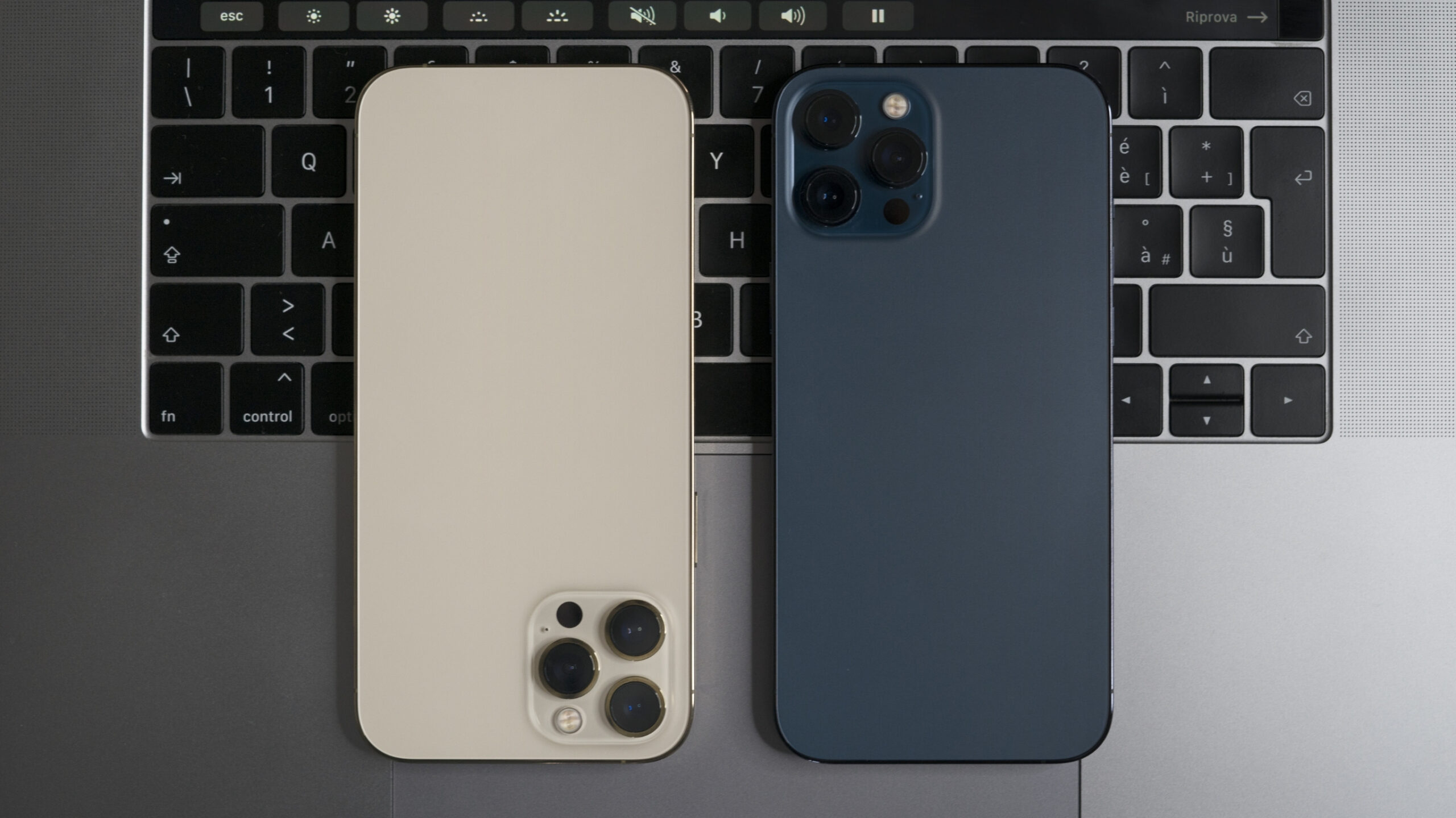
Dropped your iPhone in water? Whether it’s the kitchen sink, a puddle, or the dreaded toilet dip, it happens more often than you think. But what you do next can make all the difference between saving your device or damaging it beyond repair.
At Apple Service Center, located at Tamrakar Complex, New Road, we see dozens of water-damaged iPhones every month—and many of them could’ve been saved if not for these common myths. Let’s separate fact from fiction.
💧 Myth 1: “Put Your iPhone in Rice to Dry It Out”
The Reality:
While rice might absorb some moisture, it won’t reach the internal components where water can cause real damage. Worse, rice particles or dust can get into the charging port or headphone jack and cause further issues.
🔧 Better Option: Bring it to a professional repair center within 24 hours. We use vacuum drying chambers and alcohol-based cleaning solutions to safely remove moisture.
💧 Myth 2: “If It Turns On, It’s Fine”
The Reality:
Just because your iPhone powers on doesn’t mean it’s safe. Water may still be sitting inside the device, causing slow corrosion over days or weeks.
📅 In many cases, phones that “seem fine” after water exposure end up dying later due to short circuits or board-level corrosion.
💧 Myth 3: “I Can Dry It with a Hair Dryer or Under the Sun”
The Reality:
Excessive heat can melt internal components, warp the battery, or damage the screen. Direct sunlight can do more harm than good.
🔥 We’ve had iPhones come in with blown-out LCDs because someone left them on the rooftop to “dry.”
💧 Myth 4: “Water-Resistant Means Waterproof”
The Reality:
Newer iPhones (iPhone 7 and above) have water resistance ratings, but no iPhone is waterproof. These ratings are for controlled lab conditions—not drops into chlorinated pools, hot water, or muddy puddles.
⚠️ And with time, your iPhone’s seals wear out—making older devices even more vulnerable.
✅ What You Should Do If Your iPhone Gets Wet
- Turn it off immediately.
Don’t try to “test it”—more power means more risk of short circuit. - Do NOT plug it in or charge it.
Water and electricity don’t mix. Give it time and get it inspected. - Gently dry the outside with a soft towel.
Avoid shaking or tilting the phone too much. - Visit a professional service center ASAP.
The sooner we can open and clean it, the higher the chances of saving it without needing expensive replacements.
🧠 How We Handle Water Damage at Apple Service Center
🔧 Same-day water damage diagnostics
🧼 Ultrasonic cleaning for circuit boards
🌡️ Controlled drying chambers (no heat guns!)
📱 Component-level repair (not just part replacements)
🛠️ Professional disassembly to prevent rust and corrosion
Whether your iPhone fell into the sink or got soaked in rain, we’ve got the tools, parts, and expertise to bring it back to life—often at a fraction of the cost of buying a new device.
📞 Need Help With a Water-Damaged iPhone?
Don’t wait and let corrosion set in. Get it checked the same day at:
📍 Apple Service Center
Shop No. 55, 5th Floor, Tamrakar Complex, New Road, Kathmandu
📞 015315675 / 9801045143
🕒 Open Hours: 10:00 AM – 6:00 PM (Sunday to Friday)
⚠️ Final Advice
When it comes to water damage, time is everything. Skip the DIY hacks and come straight to the experts. We’ve saved hundreds of devices that others said were beyond repair. Trust Apple Service Center, your local iPhone repair experts in Kathmandu.


