


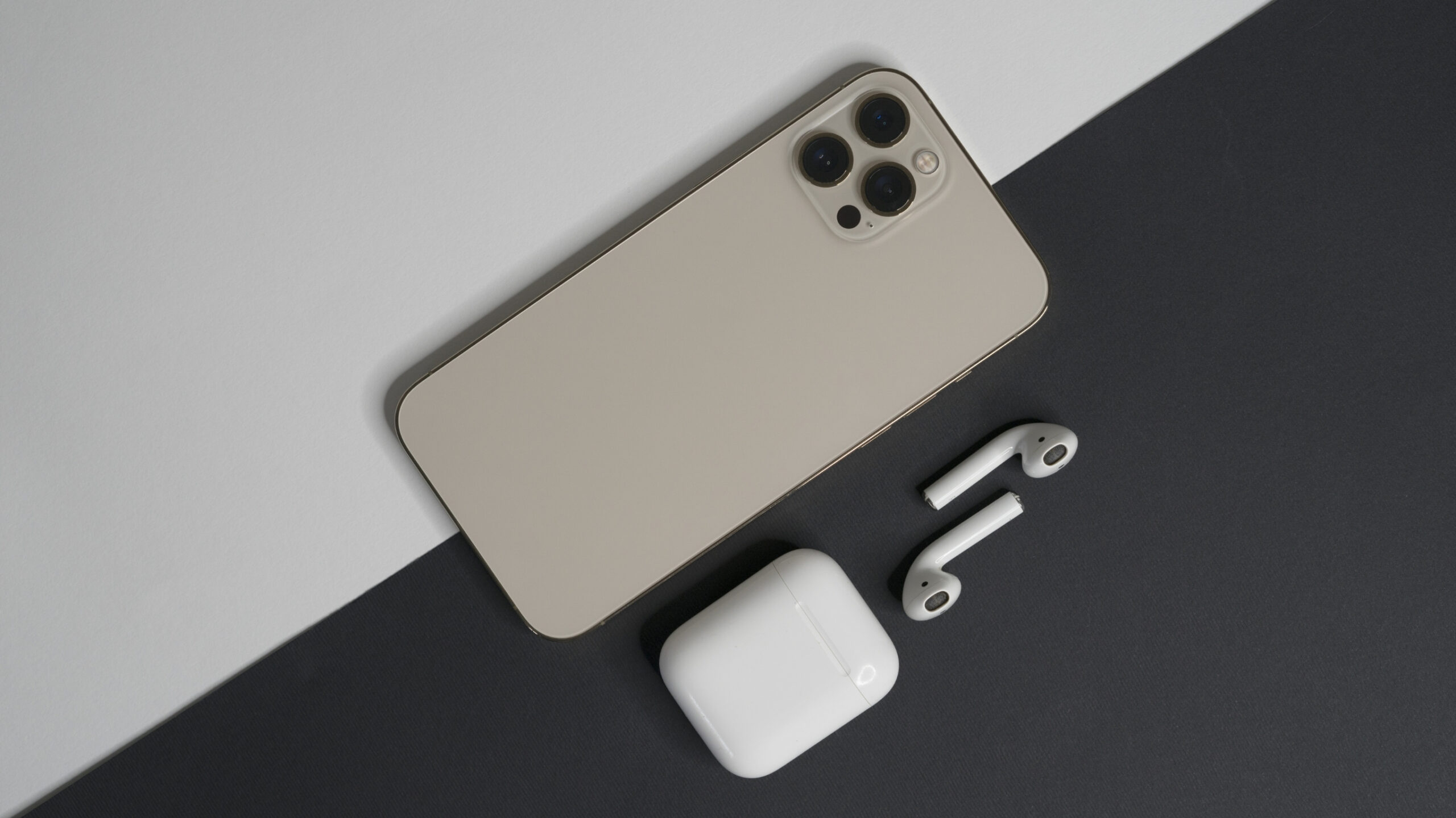
An overheating iPhone is a common issue, especially during the hot months of summer in Kathmandu. Whether you’re on the go or using your phone for extended periods, it’s not unusual for your device to get warmer than usual. But when your iPhone gets too hot, it’s more than just a temporary inconvenience—it could be a sign of underlying problems that need attention.
At Apple Service Center, located in Tamrakar Complex, New Road, we’ve helped countless customers address overheating issues. In this blog, we’ll explain why your iPhone is overheating and how you can fix it before it causes lasting damage.
🔥 1. Heavy App Usage
Using high-performance apps, like games, video streaming services, or AR apps, can generate a lot of heat. While this is normal when using your phone for gaming or watching HD videos, continuous heavy usage can make your iPhone overheat.
💡 Tip: Give your iPhone some downtime to cool off between these activities. If you’re gaming or watching movies, take regular breaks to allow your phone to cool.
🌡️ 2. High Ambient Temperature
Kathmandu’s summer heat can cause your iPhone to overheat, especially if you leave it in a hot environment like your car or a sunny spot. iPhones are designed to operate in a temperature range of 0°C to 35°C. Any higher temperature can cause the device to overheat and trigger performance throttling.
⚠️ Tip: Avoid leaving your iPhone in direct sunlight or in a hot environment. When possible, store it in a cool, shaded place.
🔋 3. Battery Health Issues
An old or damaged battery can cause your iPhone to overheat. As batteries age, they become less efficient and may generate more heat, especially when charging. If your iPhone is overheating during charging, it could indicate a problem with the battery itself.
💡 Tip: Check your iPhone’s battery health in the settings. If it’s below 80%, you might need a battery replacement. Visit us at Apple Service Center for a battery health check or replacement.
🧰 4. Background Processes and Apps
Certain apps and background processes (like location services, Bluetooth, or Wi-Fi) consume a lot of power and can cause overheating. If too many apps are running in the background, they can put unnecessary stress on your iPhone.
💡 Tip: Close apps you’re not using by double-tapping the home button (or swiping up on newer models) and swiping them off the screen. Also, turn off location services for apps that don’t need it.
🔌 5. Charging While Using the iPhone
Charging your iPhone while using it heavily can cause it to overheat, especially if the device is performing power-hungry tasks like gaming or video streaming. Charging generates heat, and when combined with other activities, the temperature can rise quickly.
💡 Tip: If you need to charge your iPhone, try not to use it for intensive tasks during this time. If your iPhone is overheating while charging, unplug it and let it cool before using it again.
🌐 6. Software Issues or Bugs
Sometimes, overheating is a result of software bugs or glitches. iOS updates are regularly rolled out to fix these issues, and if you haven’t updated to the latest iOS version, your iPhone might be working harder than necessary.
💡 Tip: Always keep your iPhone up-to-date with the latest iOS update to avoid any software-related overheating problems.
⚙️ 7. Faulty or Non-Original Parts
If you’ve recently had your iPhone repaired with non-original parts, such as a third-party battery or screen, the device may overheat due to poor compatibility or subpar quality. These parts can cause your iPhone to work harder and generate excess heat.
💡 Tip: Always choose genuine parts for repairs to maintain optimal performance and avoid overheating. At Apple Service Center, we only use OEM parts for repairs to ensure your iPhone works like new.
🛠️ 8. Solutions to Fix an Overheating iPhone
Here’s what you can do to solve the overheating problem:
- Turn off unnecessary features (Bluetooth, Wi-Fi, Location Services)
- Close unused apps
- Give your iPhone a break—let it cool down by putting it down for a few minutes
- Avoid using the phone while charging
- Get your battery checked for signs of aging or damage
📍 Need Help with Your Overheating iPhone?
If your iPhone continues to overheat despite following these steps, it might be time for a professional diagnosis. Visit us at Apple Service Center for a free diagnostic checkup and battery replacement if necessary.
📍 Apple Service Center
Shop No. 55, 5th Floor, Tamrakar Complex, New Road, Kathmandu
📞 015315675 / 9801045143
🕒 Open Hours: 10:00 AM – 6:00 PM (Sunday to Friday)
🛡️ Final Words
Overheating isn’t just uncomfortable—it can damage your iPhone’s internal components and reduce its lifespan. By following the tips above and getting your device checked regularly, you can avoid overheating problems and keep your iPhone performing at its best.
Visit Apple Service Center for all your iPhone repair needs, from overheating issues to screen replacements and battery services. We’re here to keep your device running smoothly!


